Everything You Need to Minimize Downtime
Digitize inspections, optimize maintenance execution, and keep teams and vendors aligned

Let AI help generate inspection checklists and identify defects faster and more accurately.

Give internal teams and external vendors one secure place to coordinate inspections and remediation.

Plan, assign, and track inspection and remediation work orders with full visibility and accountability.

Capture defects and complete inspections in the field, even without connectivity — data syncs automatically.

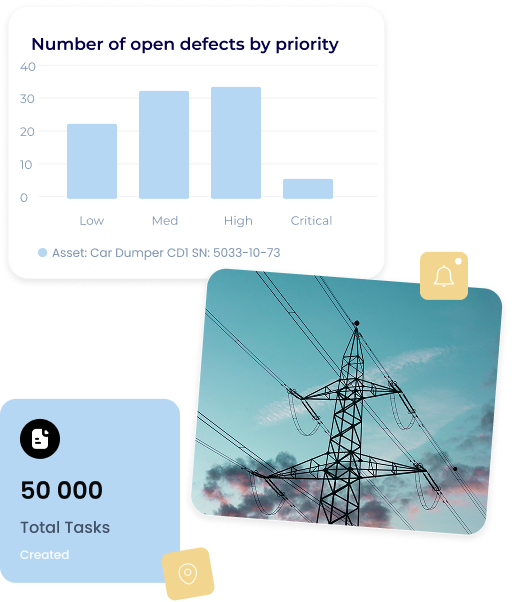
Monitor asset health with live dashboards and sync completed work automatically with your ERP.
Stock & Material Management
Connect inventory, procurement, production, and supplier data to forecast material needs, predict shortages, and keep production on schedule.
Live Production & Material Visibility
A digital representation of your entire production pipeline — raw materials, work-in-progress, and every parallel or sequential stage — in one live view.
Material Requirements Planning
Daily, actionable replenishment recommendations generated from your real inventory, production, and supplier data.
Demand & Consumption Forecasting
Forecast material demand from production plans and historical usage, with risk factors surfaced automatically.
Shortage & Supplier-Delay Alerts
Continuous scanning for shortage risk, excess stock, and supplier-delay risk — surfaced on your dashboard and notification bell.
Powerful Features
To Take Control of Your Assets

AI-Assisted Inspections & Defect Identification
Let AI help generate inspection checklists and identify, classify, and document defects and observations faster.

Standardized Inspection Workflows
Create and manage consistent inspection procedures across teams and contractors.

Dashboards & Reporting
Track team performance in real time and get inspection and remediation reports instantly.

Secure Vendor Collaboration Hub
Share inspection and remediation documents and tasks with your vendors in one secure hub. Track progress and defects in real time.

ERP Integration (SAP, Dynamics, Odoo)
Push summaries of completed inspections and closeouts directly into your ERP.

Offline-Ready Mobile Inspections
Work in the field without connectivity and sync data automatically when back online.


The Problem
Unexpected Downtime and Costly Failures
Asset-intensive industries such as oil & gas, mining, and civil construction lose billions of dollars every year to unplanned downtime and costly failures. The root causes are consistent across sectors: limited visibility into real-time asset condition, manual inspections and defect remediation still tracked on paper or in spreadsheets, and delayed remediation caused by poor coordination between internal teams and external vendors.
The cost of these gaps is enormous. Oil & gas operators lose an estimated $47B per year to unplanned downtime, mining operations lose roughly $15B per year, and civil construction loses between $864B and $1.4T per year — costs driven largely by inspection and maintenance processes that haven't kept pace with the scale and complexity of modern operations.
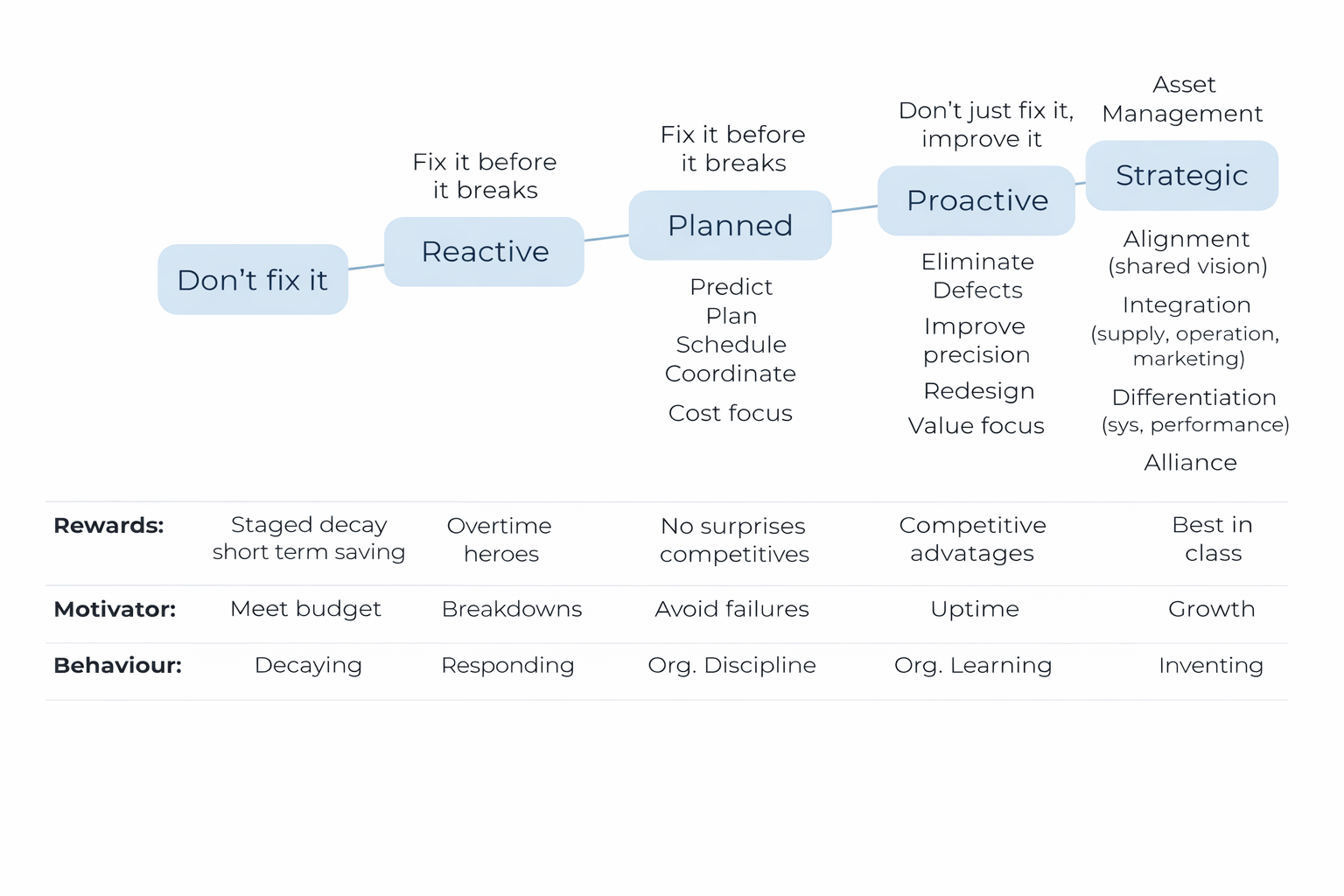
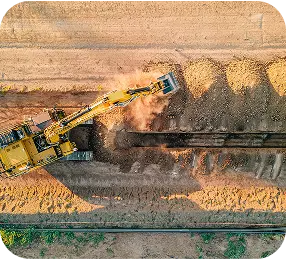
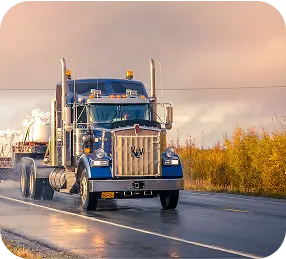
Without a digital, centralized system, defects go undetected longer, remediation gets delayed, and safety and compliance risks increase. Teams lose hours reconciling spreadsheets and chasing status updates instead of acting on real conditions in the field.
IntegriX closes this gap — digitizing manual inspections and optimizing maintenance execution so operators can act on asset condition in real time, instead of reacting after a failure has already happened.
Request a demo

Loading form…